

Learn How to Capture
Websites Like a Pro
Expert guides on automation, archiving, compliance, and cloud delivery.
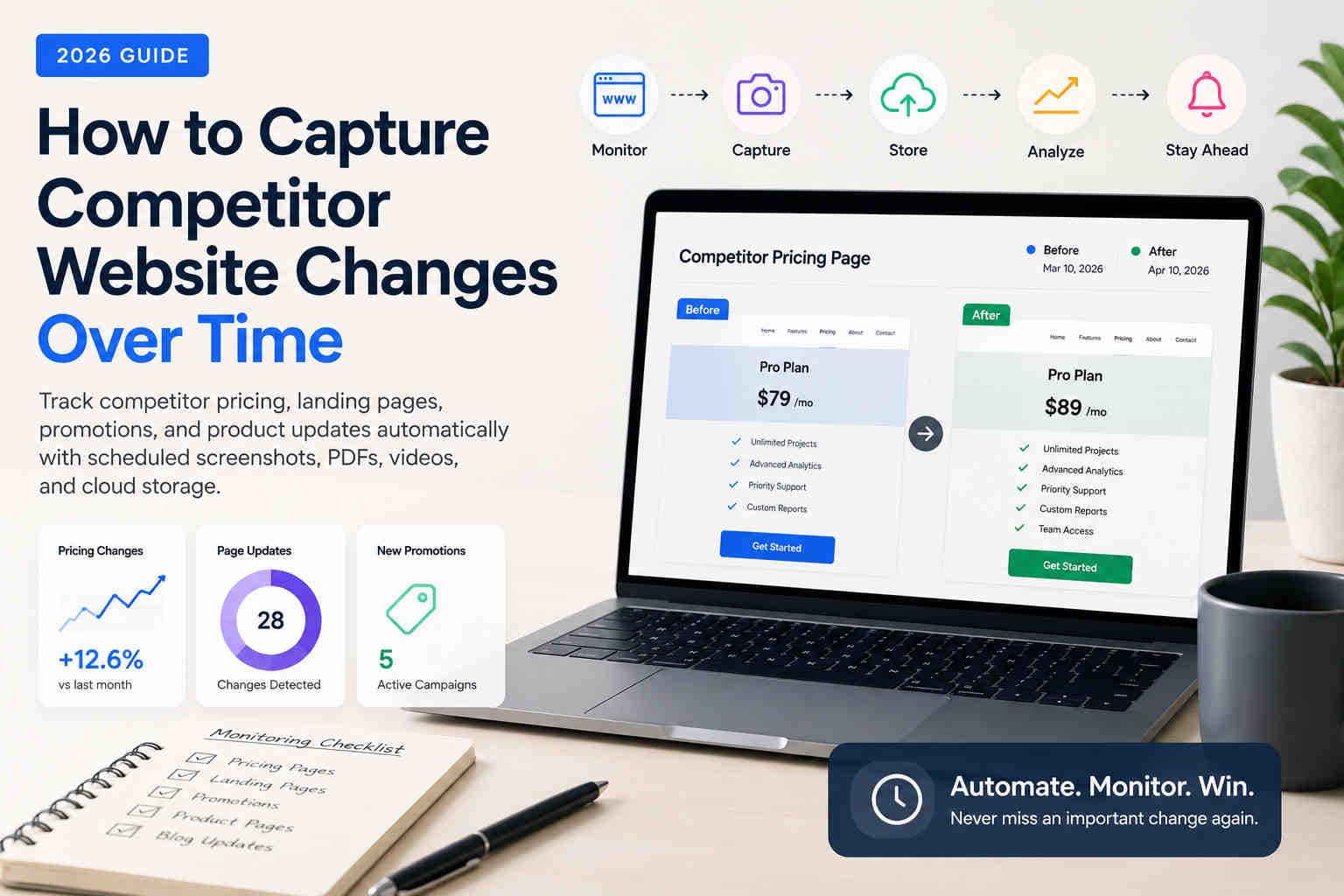
How to Capture Competitor Website Changes Over Time
Learn how marketing teams, agencies, and compliance professionals track competitor pricing, landing pages, promotions, and website updates over time using automated screenshots, PDFs, videos, and scheduled browser captures.
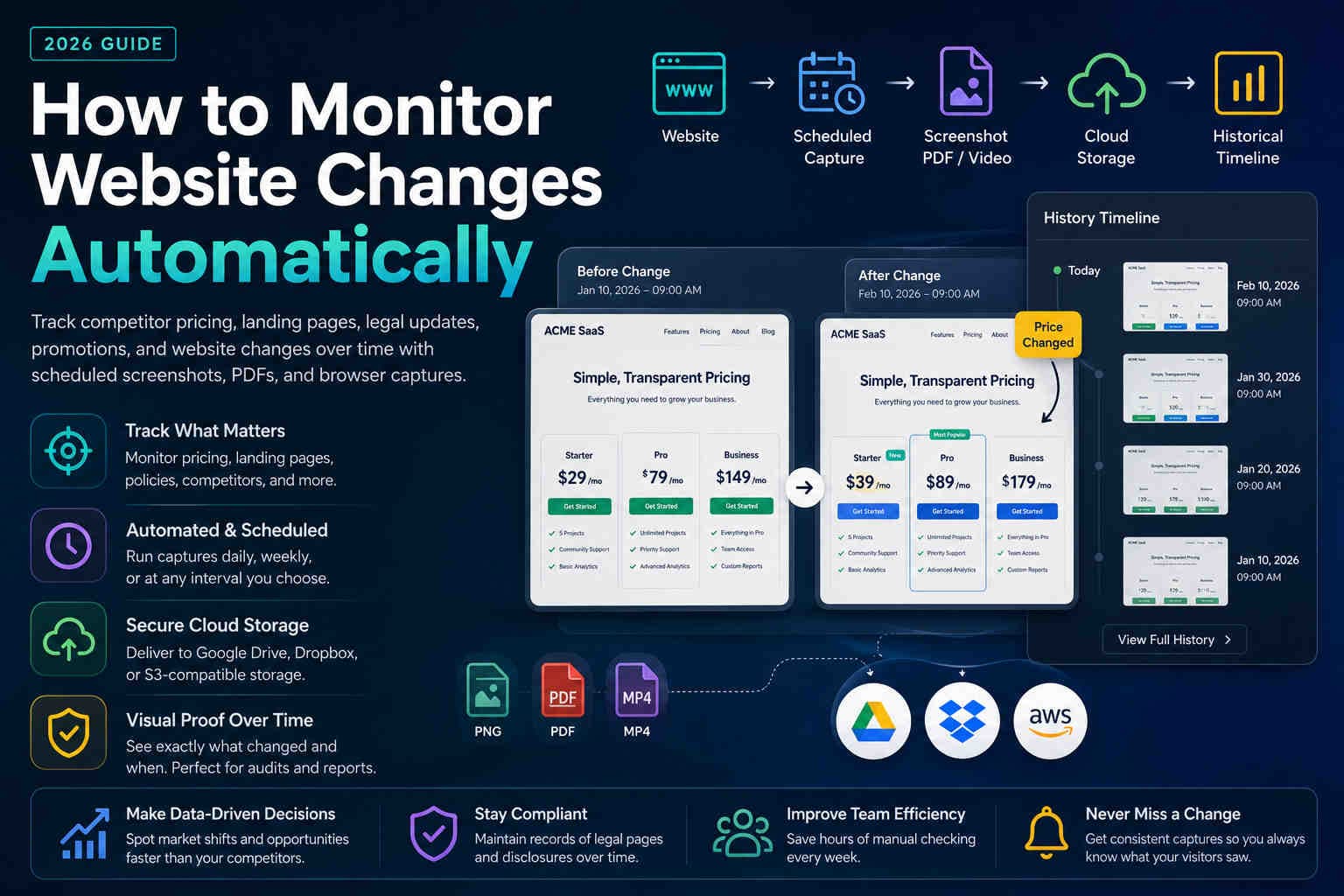
How to Monitor Website Changes Automatically in 2026
Learn how to automatically monitor pricing pages, competitor websites, legal policies, and landing pages using screenshots, PDFs, and scheduled browser captures.
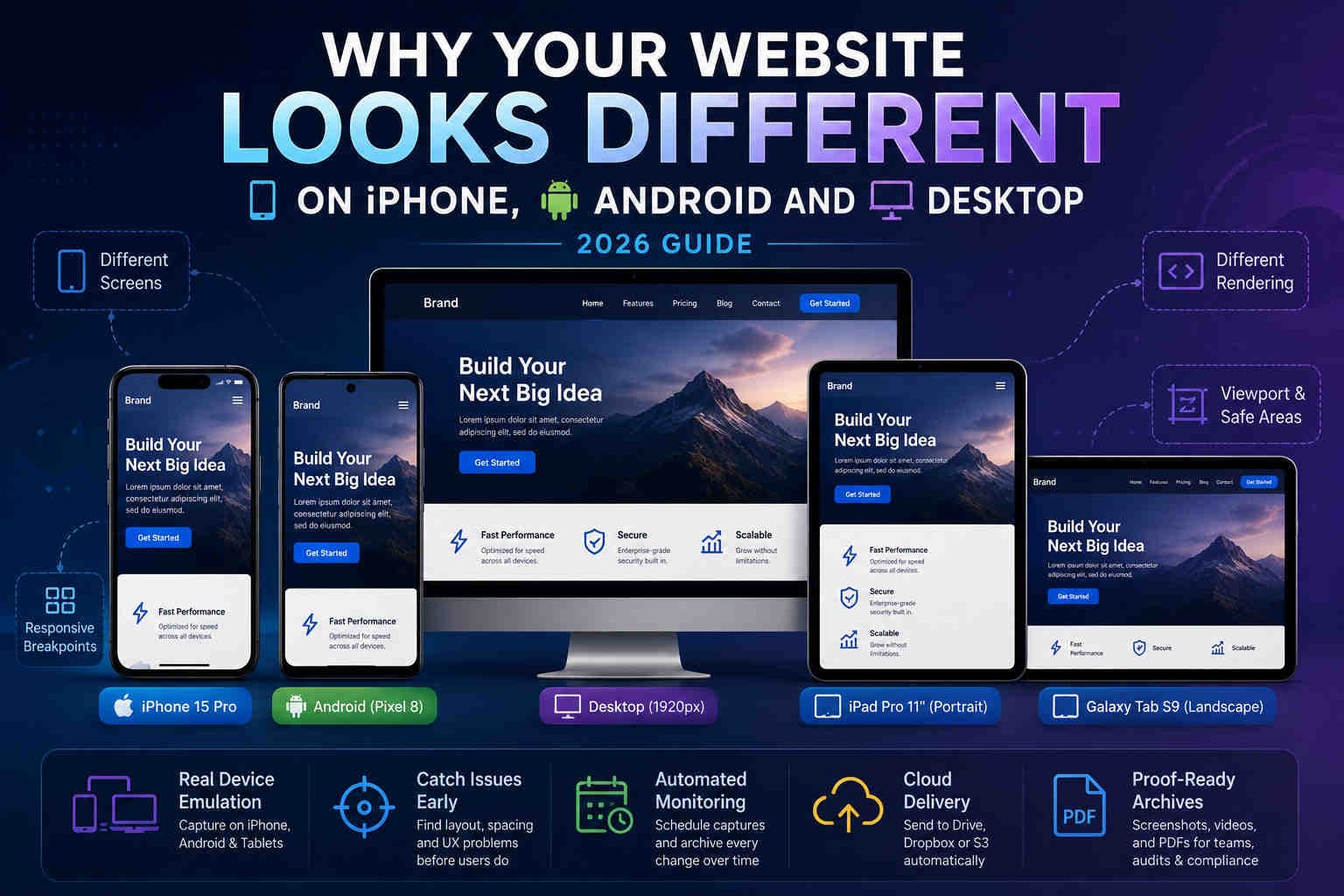
Why Your Website Looks Different on iPhone, Android and Desktop
Learn why responsive websites render differently across iPhone, Android, tablets and desktop — and how automated mobile screenshots help catch issues before users do.
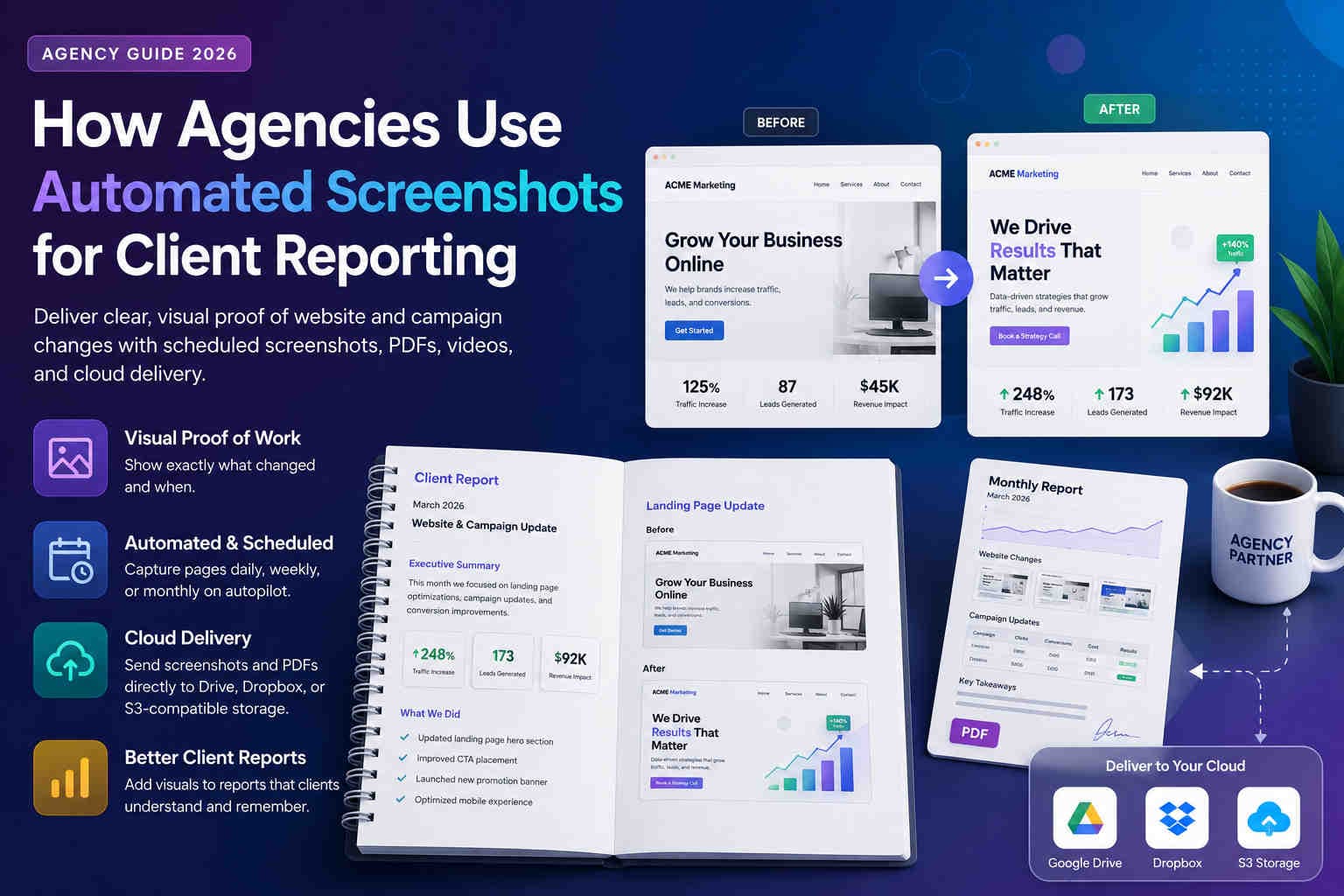
How Agencies Use Automated Screenshots for Client Reporting
Learn how SEO, PPC, design, and compliance agencies use automated screenshots, PDFs, videos, and cloud delivery to create clearer client reports and prove website changes.

PDF vs Screenshot for Website Archiving (Compliance & Proof) – 2026 Guide
Choosing the right format matters. Learn when PDFs are best for audit packs, when screenshots are best for proof, and how to store both with clean naming and retention.
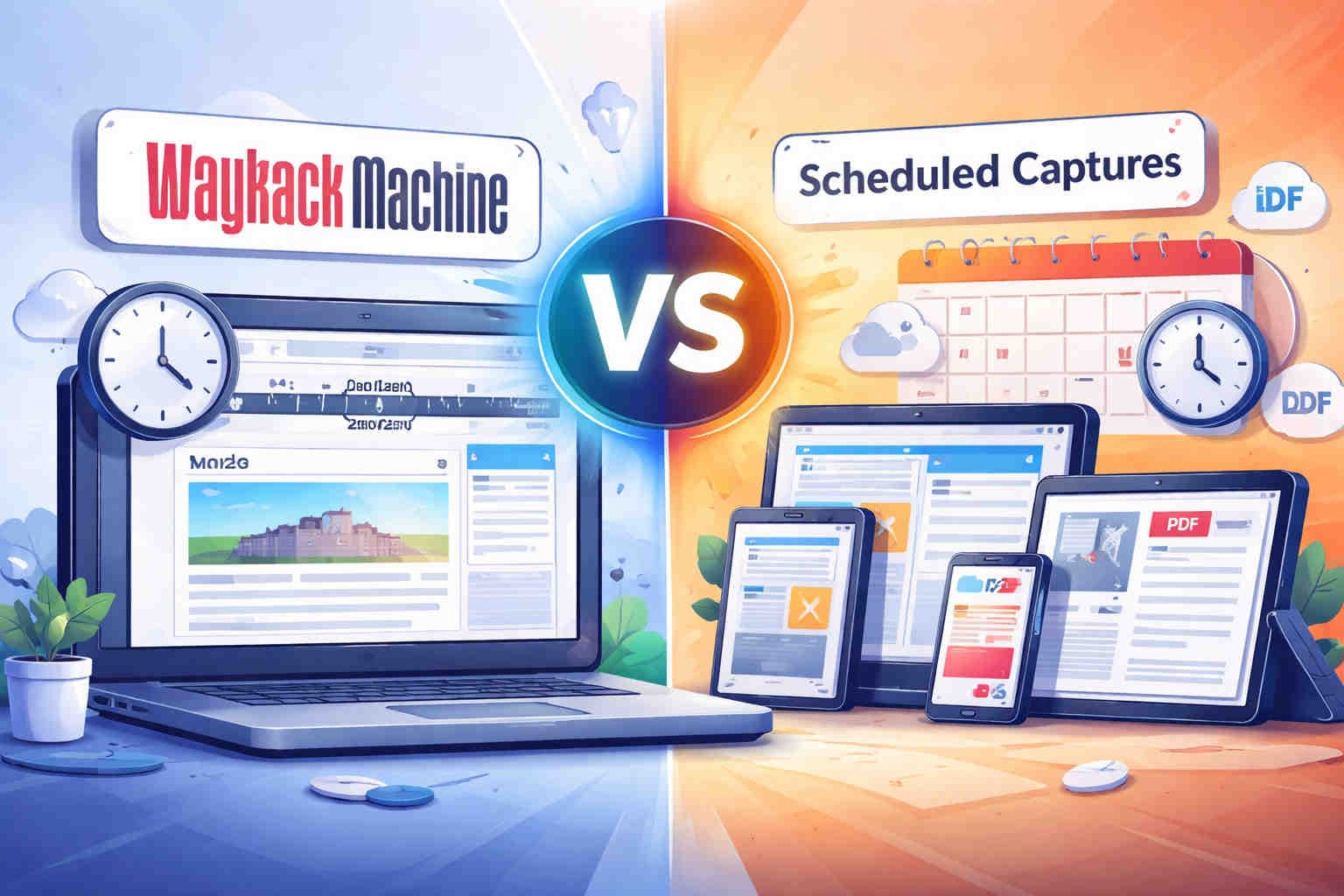
Wayback Machine vs Scheduled Captures (Screenshots, Videos & PDF) – 2025 Guide
Compare Wayback with scheduled browser captures. Learn what works for compliance proof, login pages, accurate timing, cloud delivery, and PDF archiving.

How to Schedule Daily Website Screenshots (2025 Guide)
Step-by-step guide to setting up automated full-page captures with your exact timezone and cloud storage.

Web Archiving in 2025 – Best Practices & Tools
Preserve visual history, prove compliance, and never lose a website again.
How to Use Website Screenshots as Legal Proof
Make your screenshots defensible for disputes, audits, or legal documentation.
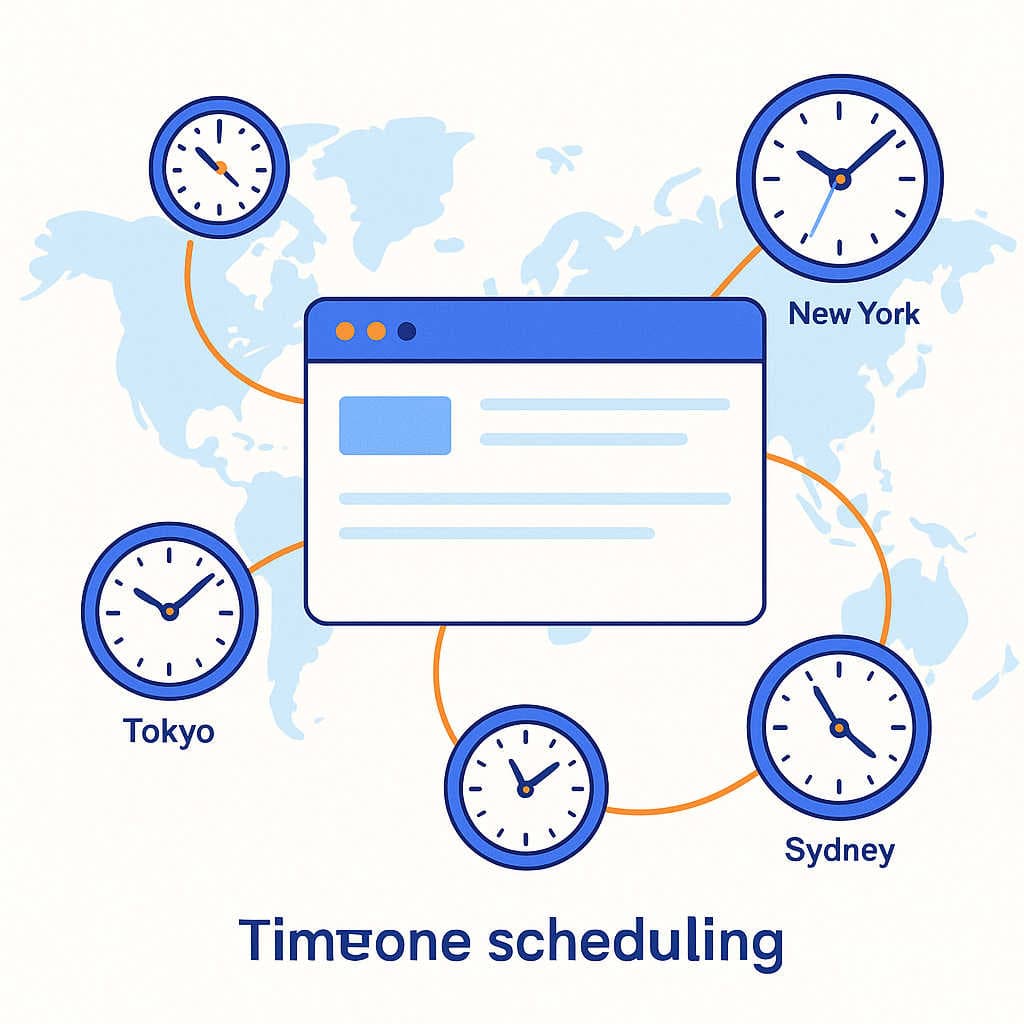
Why Timezone Scheduling Matters for Automated Screenshots
Capture at the real local time—so 9 AM means 9 AM in that region, not UTC.
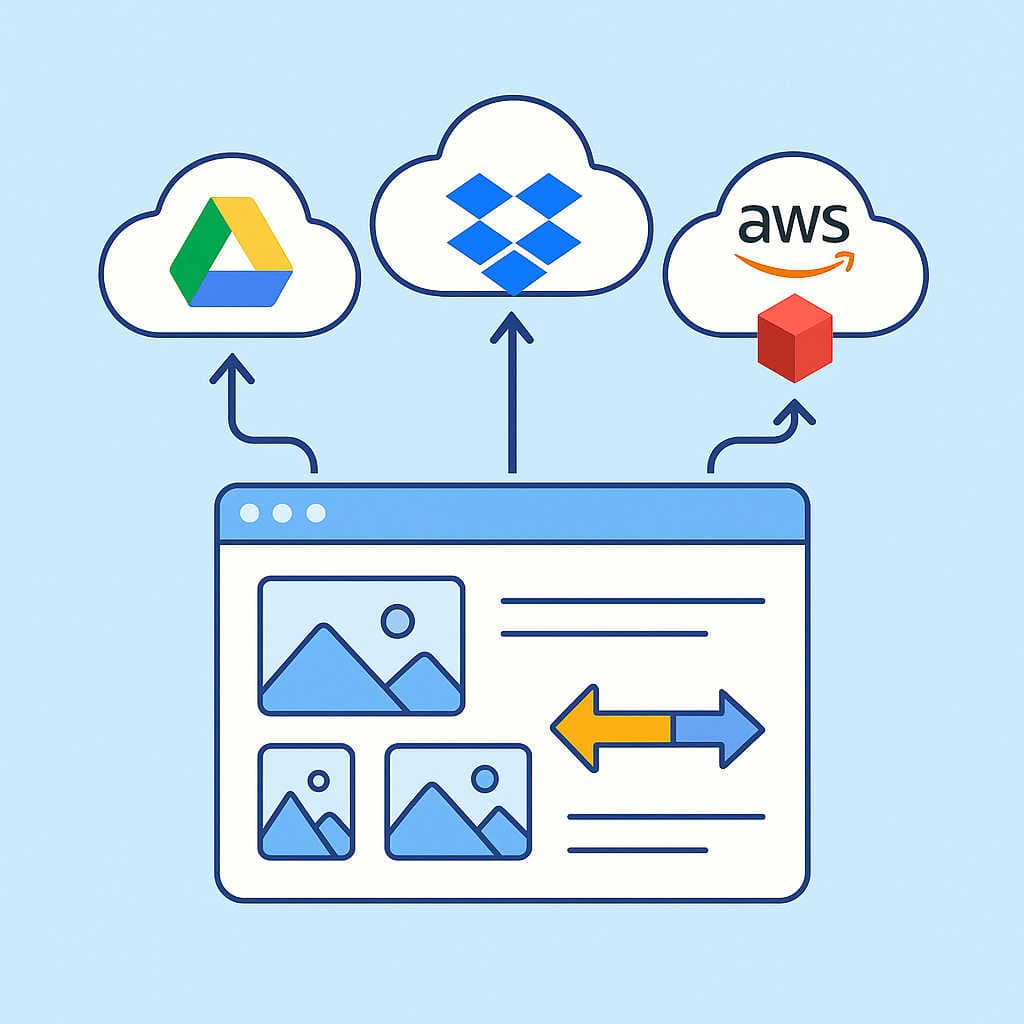
Google Drive vs Dropbox vs AWS S3 for Screenshot Storage
Pick the right destination for automated delivery at scale—cost, reliability, and access.
Ready to automate? View plans →