

Automated Website Screenshots & VideosDaily • Weekly • Monthly • CustomAny Timezone
Capture full-page screenshots, PDFs, and scrolling videos. Auto-save to Google Drive, Dropbox, or any S3-compatible storage. Built for monitoring, compliance, and archiving.
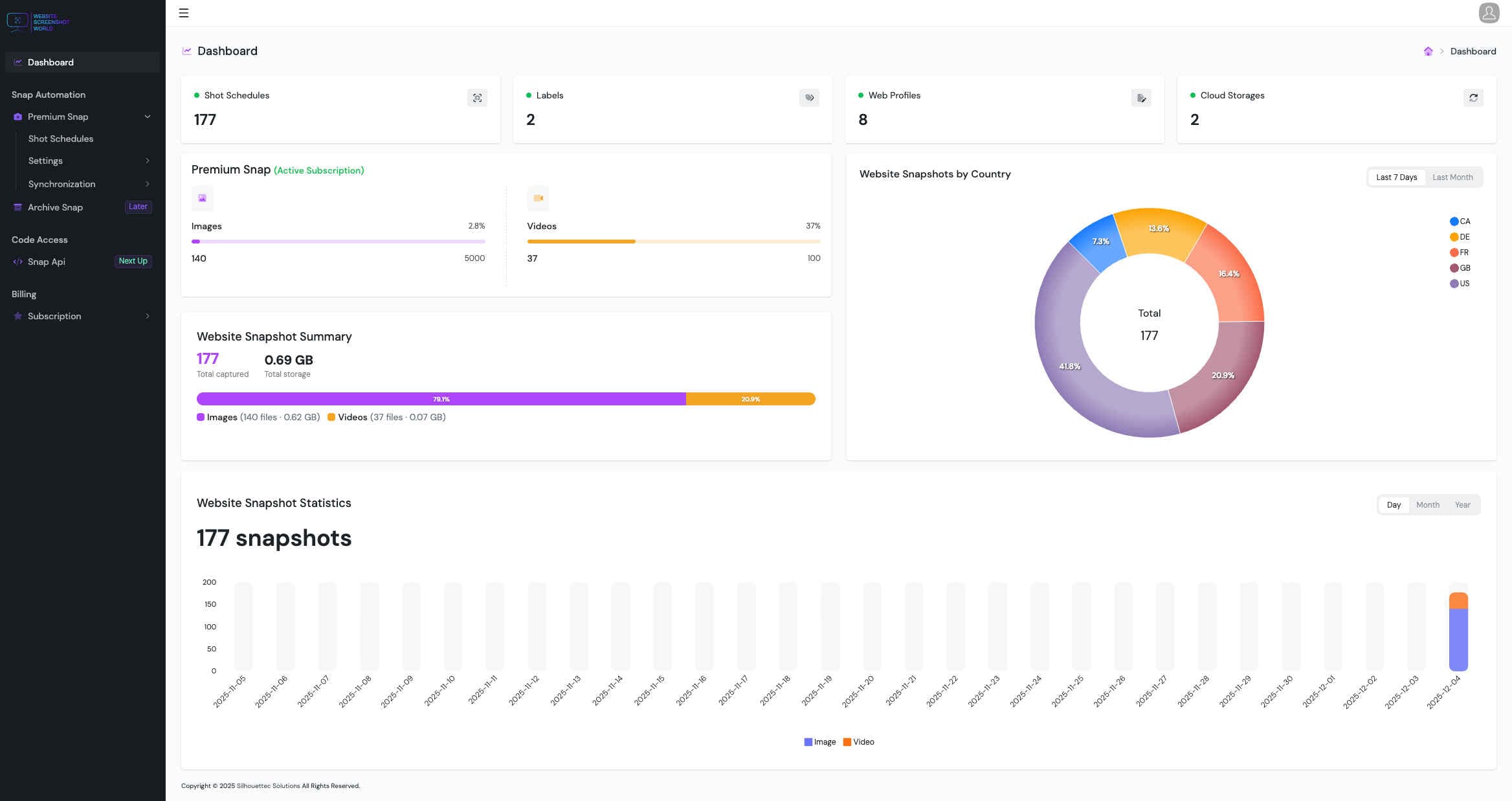
Everything needed for reliable captures
Built for monitoring and archiving at scale — with controls that keep output consistent over time.
High-fidelity screenshots and videos
Reliable captures across devices and layouts — even on complex pages.
Website Screenshots & Videos
Capture viewport, full-page screenshots, or smooth scrolling videos.
Mobile Device Emulation
Render mobile layouts using real device profiles for consistent captures.
Resolution & Viewport Control
Use presets or custom dimensions for pixel-perfect rendering.
Timing and stability controls
Fine-tune behavior for async content, animations, and tricky pages.
Scroll & Timeout Control
Tune scroll speed and wait times for stable, repeatable results.
Capture History & Retention
Access historical captures with retention controls for audits and reviews.
Scheduling & execution
Run captures in any timezone and keep sessions consistent.
Headers, Cookies & Sessions
Capture authenticated or personalized pages with headers and cookies.
Store and organize captures automatically
Keep files where your team already works — with secure delivery.
Multi-Cloud Storage Support
Automatically save captures to Google Drive, Dropbox, or S3-compatible storage.
Secure sync
Deliver captures reliably with stable export settings and predictable structure.
Make every capture presentation-ready
Polish output for reports and stakeholders — without manual cleanup.
Zoom & Scale Control
Adjust zoom or scale factor to match the exact view you want.
Powerful storage integrations
Automatically deliver screenshots and videos to the tools your team already uses.

S3 Compatible Storage
Save captures to any S3-compatible bucket (AWS S3, DigitalOcean Spaces, Wasabi, MinIO, and more).

Dropbox
Automatically sync screenshots and videos to Dropbox folders for easy sharing and organization.

Google Drive
Store captures in Google Drive and keep everything accessible to your team and clients.
Latest articles
Quick guides on scheduling, compliance, archiving, and cloud delivery.
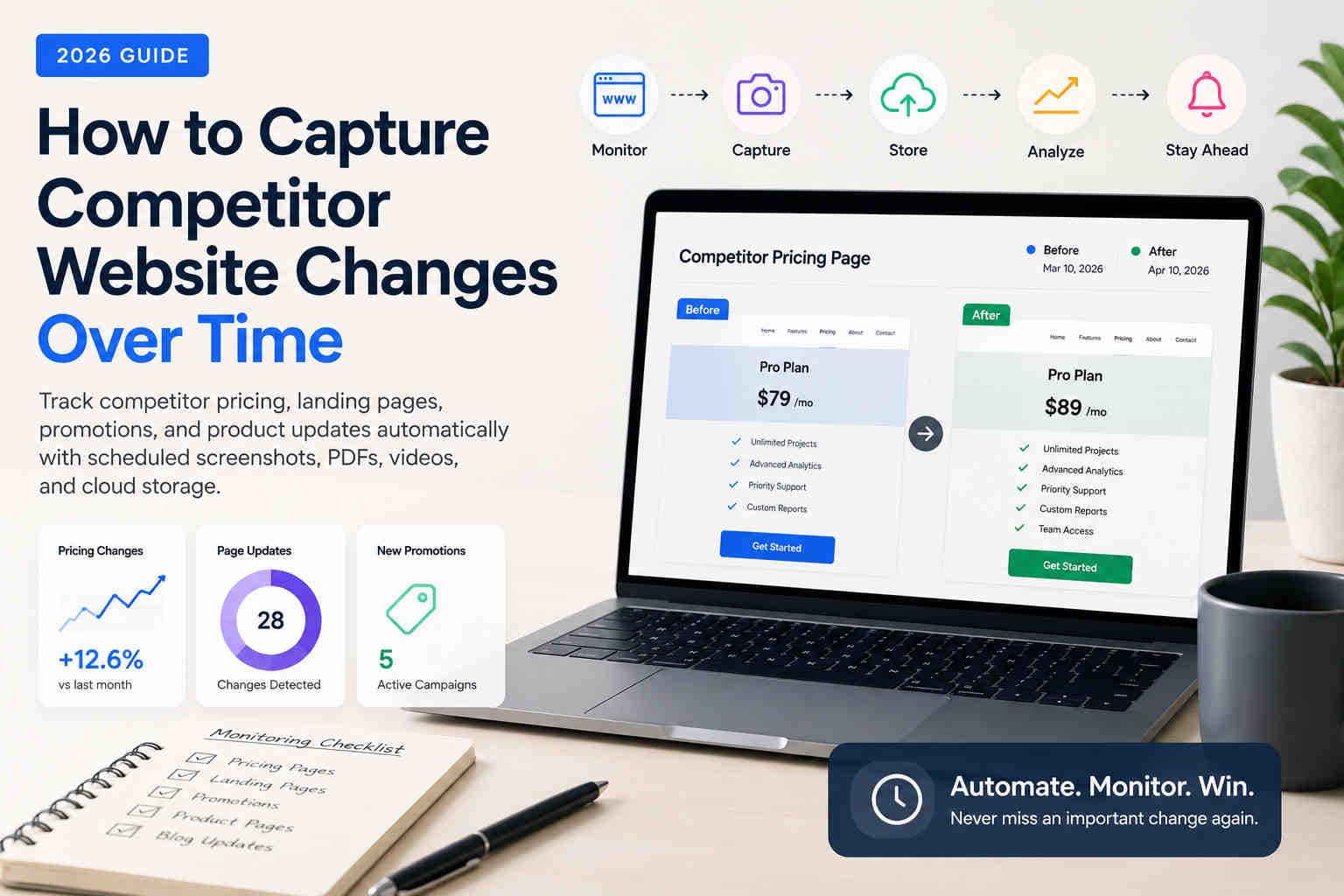
How to Capture Competitor Website Changes Over Time
Learn how marketing teams, agencies, and compliance professionals track competitor pricing, landing pages, promotions, and website updates over time using automated screenshots, PDFs, videos, and scheduled browser captures.
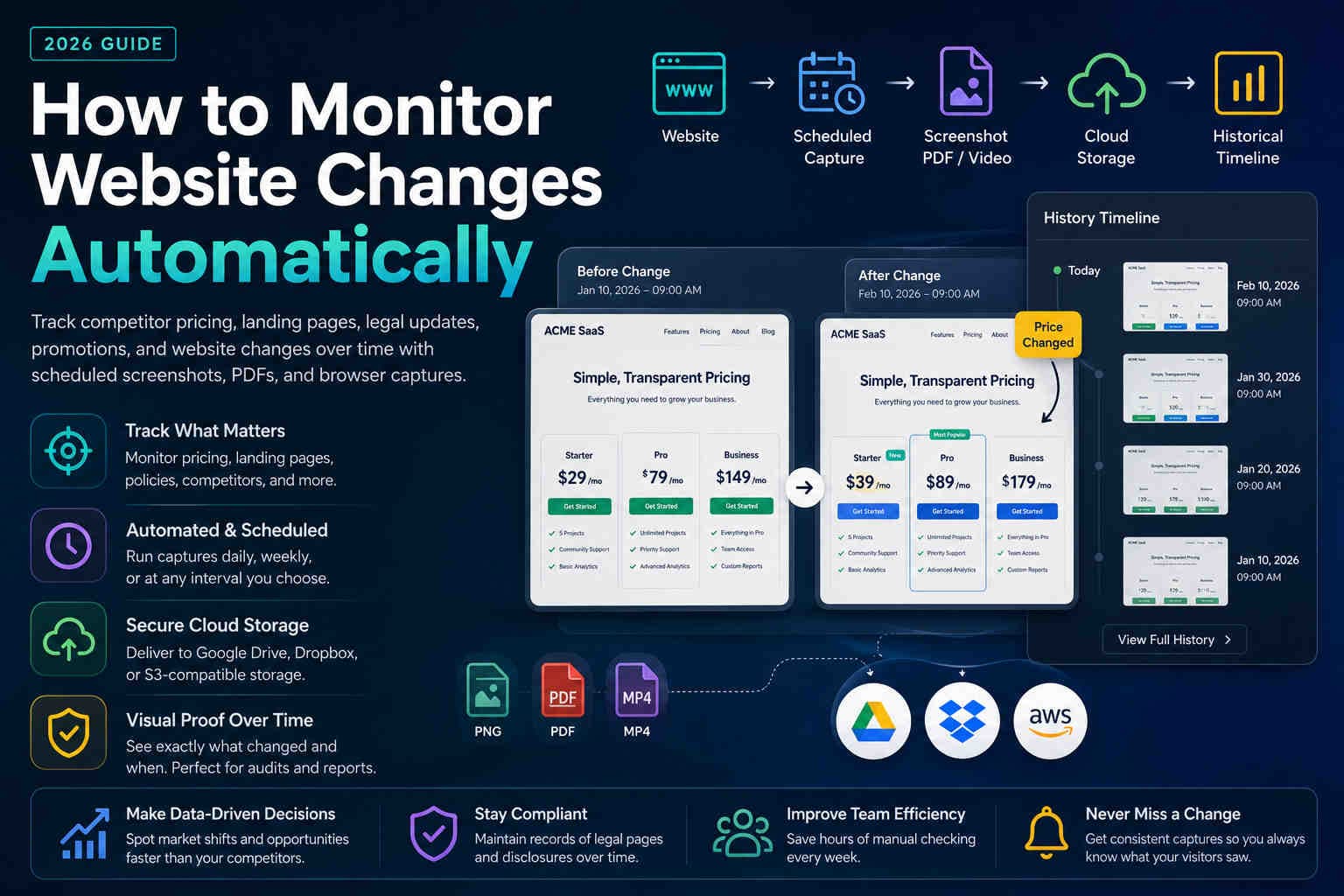
How to Monitor Website Changes Automatically in 2026
Learn how to automatically monitor pricing pages, competitor websites, legal policies, and landing pages using screenshots, PDFs, and scheduled browser captures.
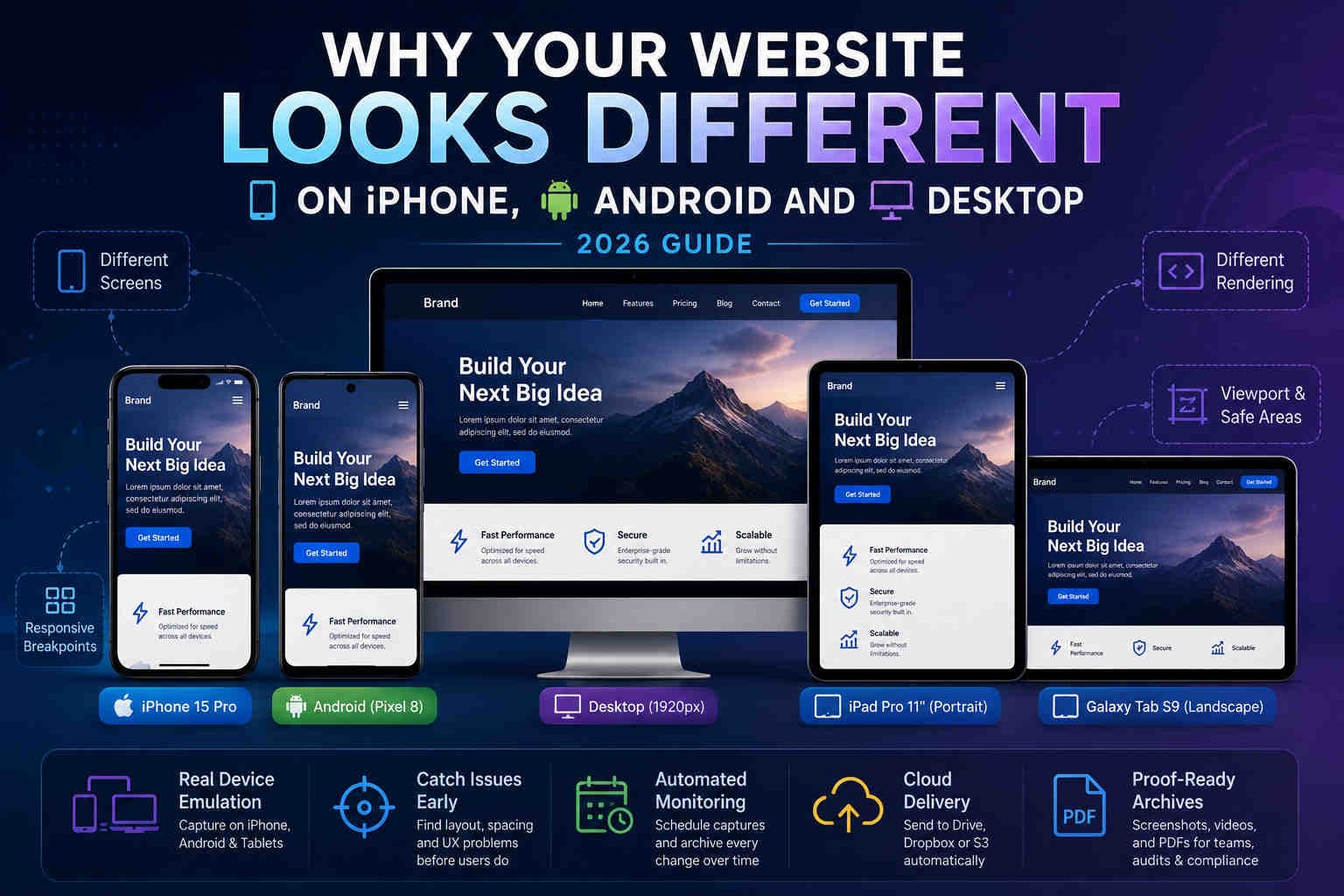
Why Your Website Looks Different on iPhone, Android and Desktop
Learn why responsive websites render differently across iPhone, Android, tablets and desktop — and how automated mobile screenshots help catch issues before users do.