

Automated Website Screenshots & VideosDaily • Weekly • Monthly • CustomAny Timezone
Capture full-page screenshots, PDFs, and scrolling videos. Auto-save to Google Drive, Dropbox, or any S3-compatible storage. Built for monitoring, compliance, and archiving.
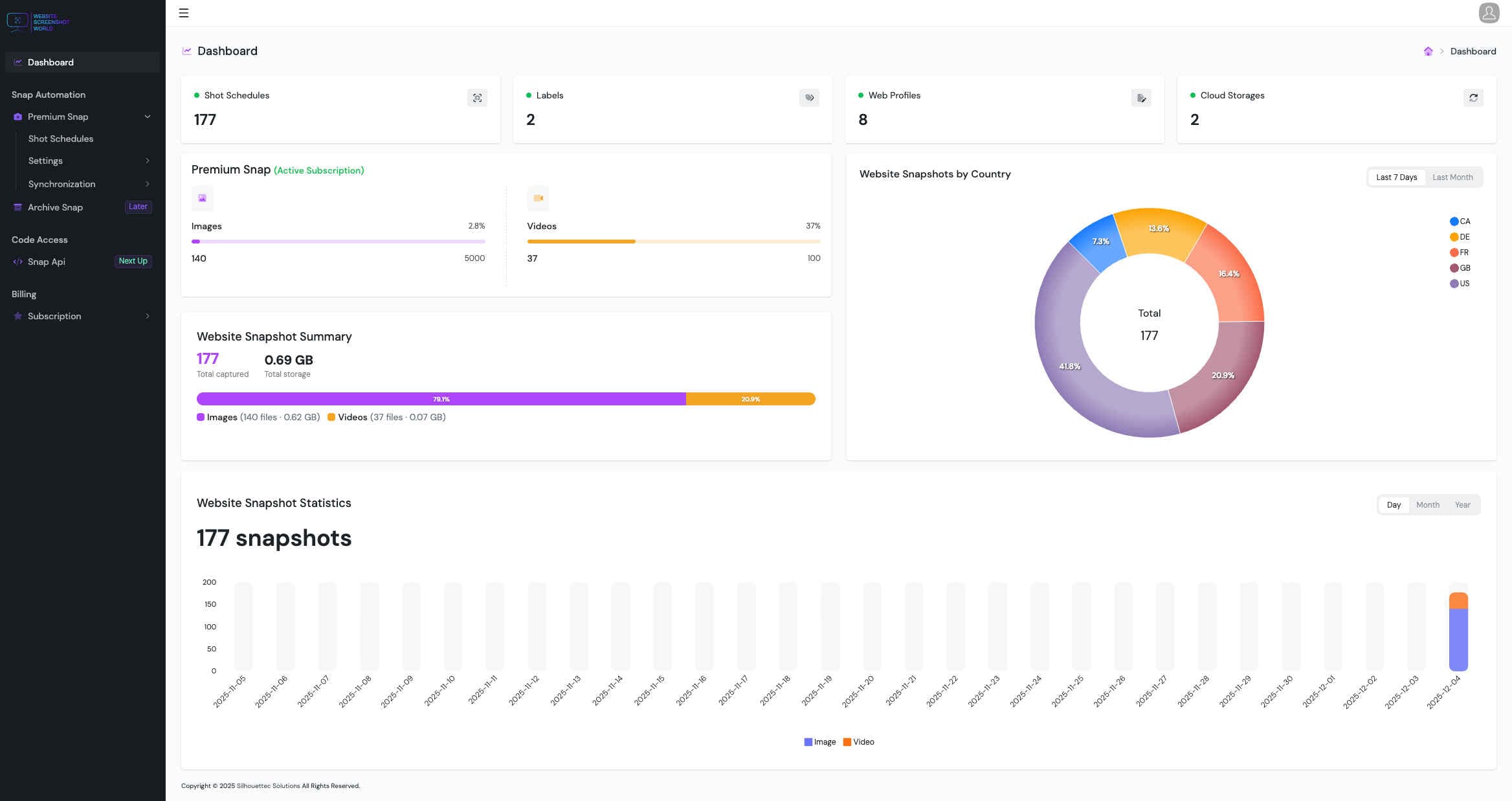
Everything needed for reliable captures
Built for monitoring and archiving at scale — with controls that keep output consistent over time.
High-fidelity screenshots and videos
Reliable captures across devices and layouts — even on complex pages.
Website Screenshots & Videos
Capture viewport, full-page screenshots, or smooth scrolling videos.
Mobile Device Emulation
Render mobile layouts using real device profiles for consistent captures.
Resolution & Viewport Control
Use presets or custom dimensions for pixel-perfect rendering.
Timing and stability controls
Fine-tune behavior for async content, animations, and tricky pages.
Scroll & Timeout Control
Tune scroll speed and wait times for stable, repeatable results.
Capture History & Retention
Access historical captures with retention controls for audits and reviews.
Scheduling & execution
Run captures in any timezone and keep sessions consistent.
Headers, Cookies & Sessions
Capture authenticated or personalized pages with headers and cookies.
Store and organize captures automatically
Keep files where your team already works — with secure delivery.
Multi-Cloud Storage Support
Automatically save captures to Google Drive, Dropbox, or S3-compatible storage.
Secure sync
Deliver captures reliably with stable export settings and predictable structure.
Make every capture presentation-ready
Polish output for reports and stakeholders — without manual cleanup.
Zoom & Scale Control
Adjust zoom or scale factor to match the exact view you want.
Powerful storage integrations
Automatically deliver screenshots and videos to the tools your team already uses.

S3 Compatible Storage
Save captures to any S3-compatible bucket (AWS S3, DigitalOcean Spaces, Wasabi, MinIO, and more).

Dropbox
Automatically sync screenshots and videos to Dropbox folders for easy sharing and organization.

Google Drive
Store captures in Google Drive and keep everything accessible to your team and clients.
Latest articles
Quick guides on scheduling, compliance, archiving, and cloud delivery.

PDF vs Screenshot for Website Archiving (Compliance & Proof) – 2026 Guide
Choosing the right format matters. Learn when PDFs are best for audit packs, when screenshots are best for proof, and how to store both with clean naming and retention.
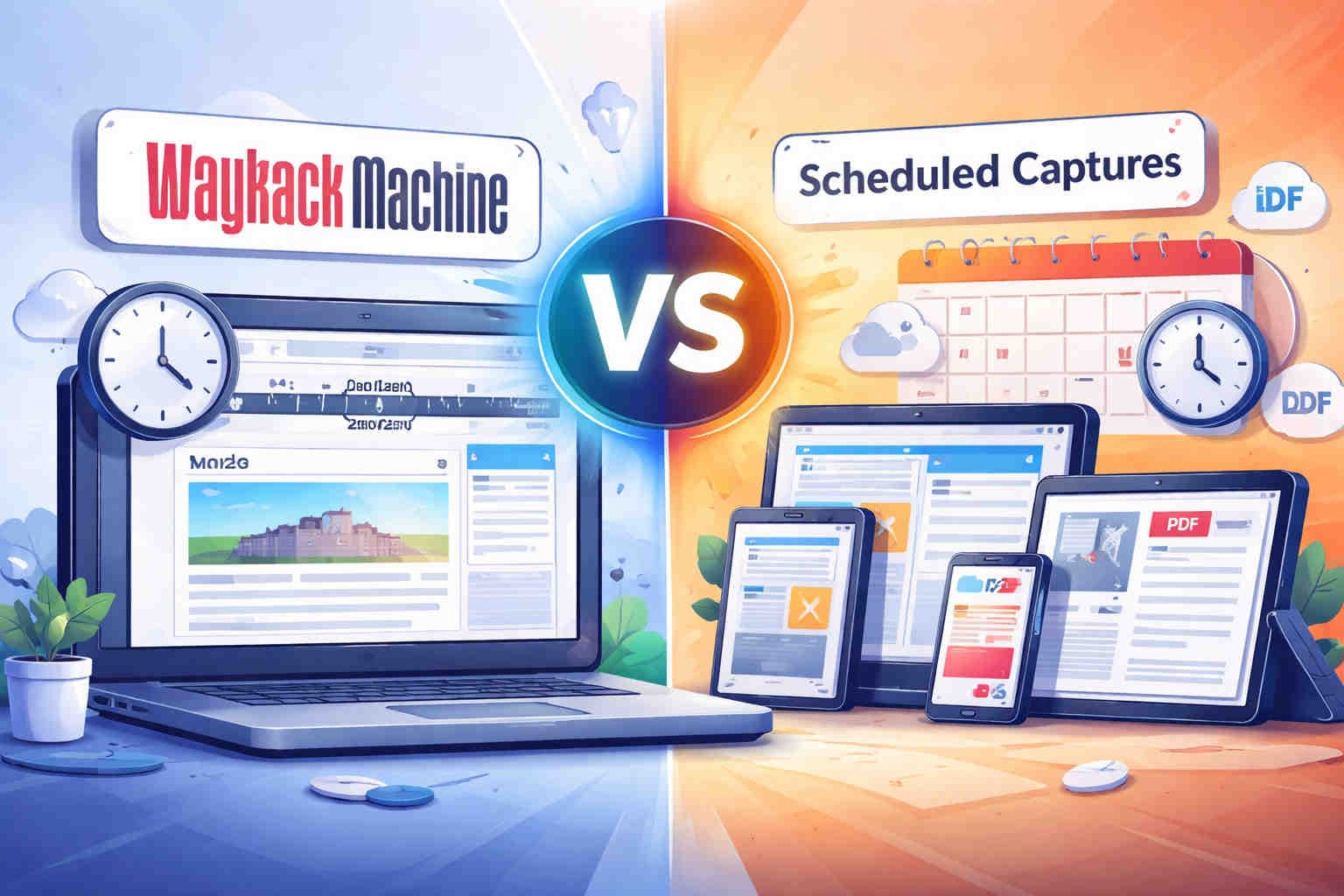
Wayback Machine vs Scheduled Captures (Screenshots, Videos & PDF) – 2025 Guide
Compare Wayback with scheduled browser captures. Learn what works for compliance proof, login pages, accurate timing, cloud delivery, and PDF archiving.

How to Schedule Daily Website Screenshots (2025 Guide)
Step-by-step guide to setting up automated full-page captures with your exact timezone and cloud storage.